
Cursor - The AI Code Editor
AI-powered code editor for enhanced developer productivity.
Introduction
AI-powered code editor for enhanced developer productivity.
- Added on
- Nov 1, 2026
- Website
- cursor.sh
- Pricing model
- Freemium
- Company
- Anysphere
Product information
What is Cursor - The AI Code Editor?
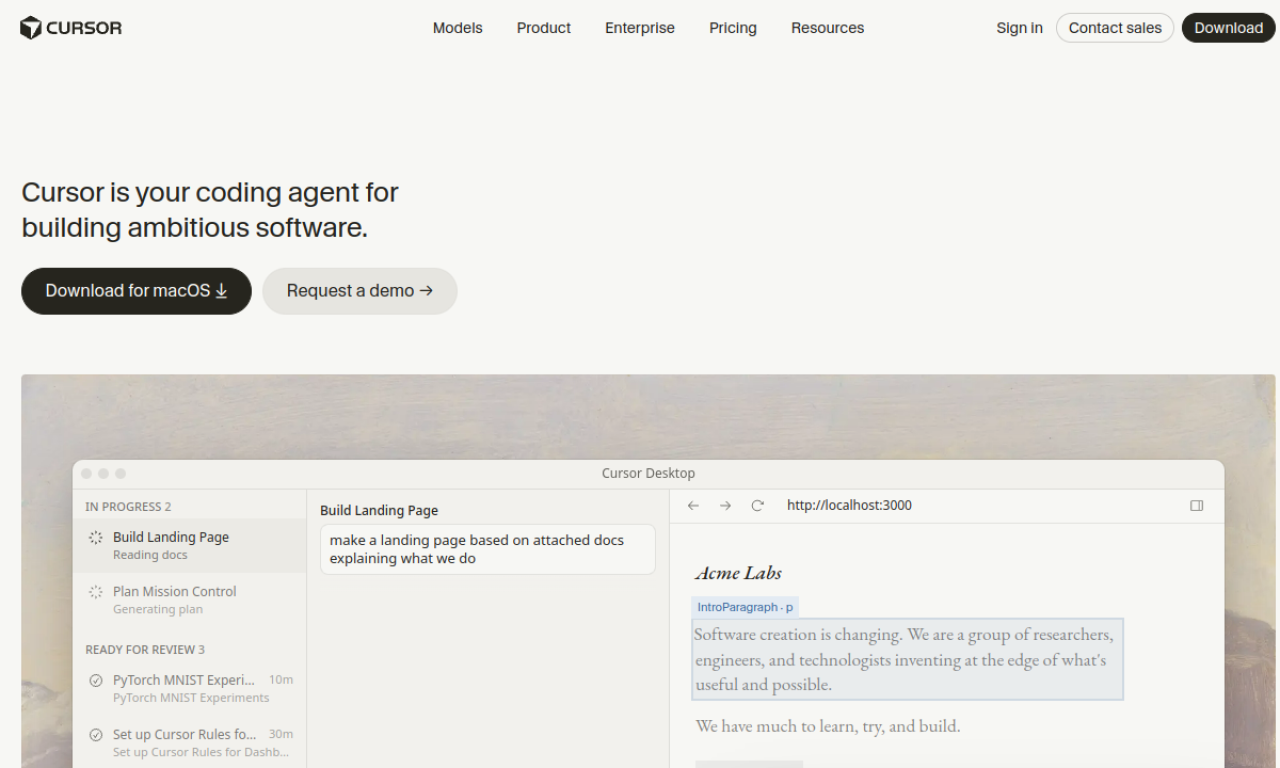
Cursor is an AI-powered code editor built on the VS Code foundation. It lets developers chat with their codebase, generate and edit code with AI, and speed up everyday programming.
How to use Cursor - The AI Code Editor?
Download the editor, open your project and sign in. Use the chat and inline edit features to ask questions and generate changes.
Core features of Cursor - The AI Code Editor
- AI code completion
- Chat about your codebase
- Natural-language code edits
- VS Code-style interface
- Multi-file changes
Use cases of Cursor - The AI Code Editor
- 1Writing new features faster
- 2Refactoring existing code
- 3Understanding unfamiliar codebases
- 4Debugging with AI help
Frequently asked questions about Cursor - The AI Code Editor
What does Cursor - The AI Code Editor do?+
Cursor is an AI-powered code editor built on the VS Code foundation.
Who is Cursor - The AI Code Editor best suited for?+
It is best suited for software developers of all levels.
Is Cursor - The AI Code Editor free to use?+
A free tier with limits is offered along with paid subscriptions for heavier use. Check the official site for current plans.
Which category is Cursor - The AI Code Editor in?+
Cursor - The AI Code Editor is listed under Coding, AI Code Assistant.
Tags
codecodingCursor - The AI Code Editor alternatives
AI-powered WordPress platform for building, hosting, and scaling websites.
AI web design tool that understands designs and creates live websites.
AI app platform to browse and create AI-powered applications.
Open-source LLMOps platform for building and operating generative AI applications.
AI-powered IDE for enhanced developer collaboration and efficiency.