
Pixlr
Cloud-based photo editing and design tools with AI-power for consumers and companies.
Introduction
Cloud-based photo editing and design tools with AI-power for consumers and companies.
- Added on
- Nov 1, 2026
- Website
- pixlr.com
- Pricing model
- Freemium
- Company
- Pixlr
Product information
What is Pixlr?
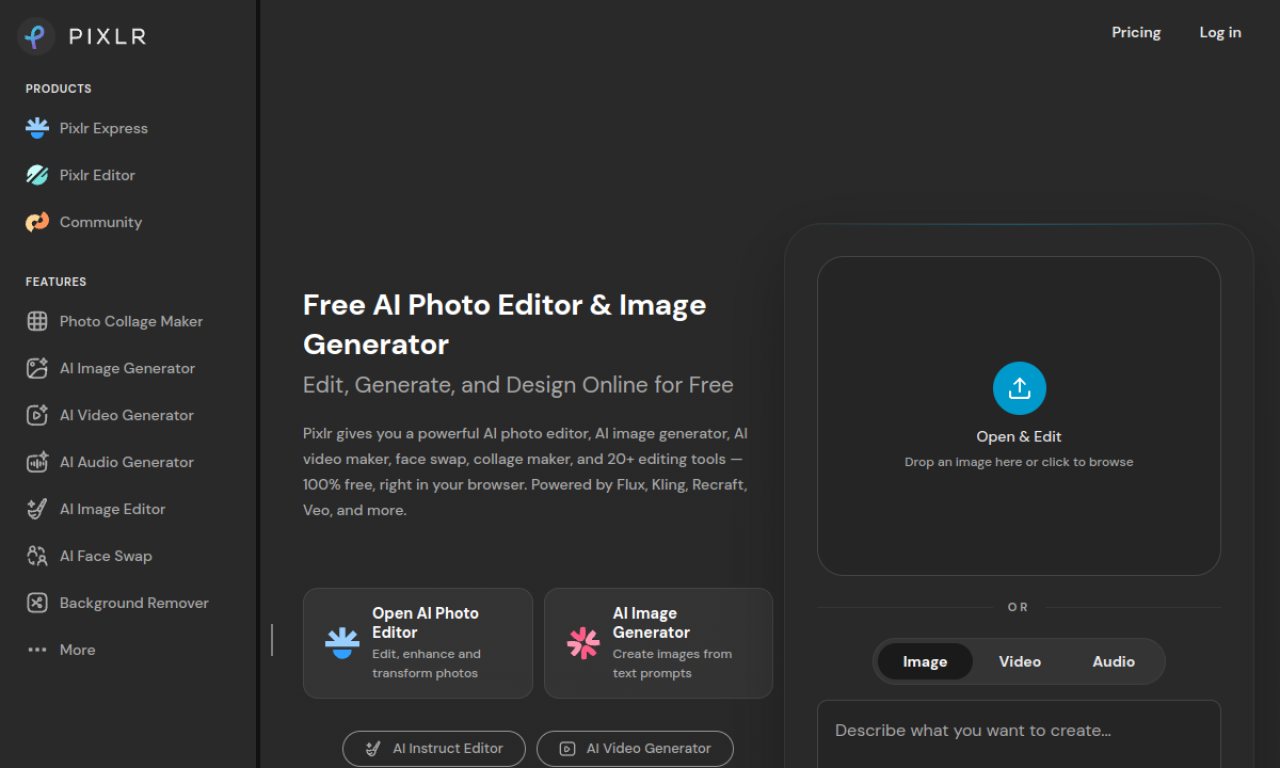
Pixlr is a cloud-based photo editing and design suite with AI features for individuals and businesses. It works in the browser without heavy installs.
How to use Pixlr?
Open the editor in your browser, upload an image, and use the editing or AI tools. Export the finished design.
Core features of Pixlr
- Browser-based photo editor
- AI editing tools
- Design templates
- Background removal
- Layer-based editing
Use cases of Pixlr
- 1Photo retouching
- 2Social media graphics
- 3Quick design work
- 4Removing backgrounds
Frequently asked questions about Pixlr
What is Pixlr?+
A web-based photo editor with AI-powered tools.
Who is it for?+
Consumers, designers and small businesses.
Is there a free option?+
A free version with limits plus paid plans exists. Check the official site for details.
Which category is Pixlr in?+
Pixlr is listed under Image & Design, AI Photo Editor.
Tags
photo-editorimagePixlr alternatives
AI image and design tool with unparalleled control over composition and style.
Intuitive design platform with AI tools, collaboration, and extensive assets.
Free online graphic design tool with templates, stock photos, and editing features.
AI-powered platform for creating logos, videos, and designs quickly and easily.