
UPDF
AI-powered PDF editor for Windows, Mac, iOS, and Android with comprehensive PDF tools.
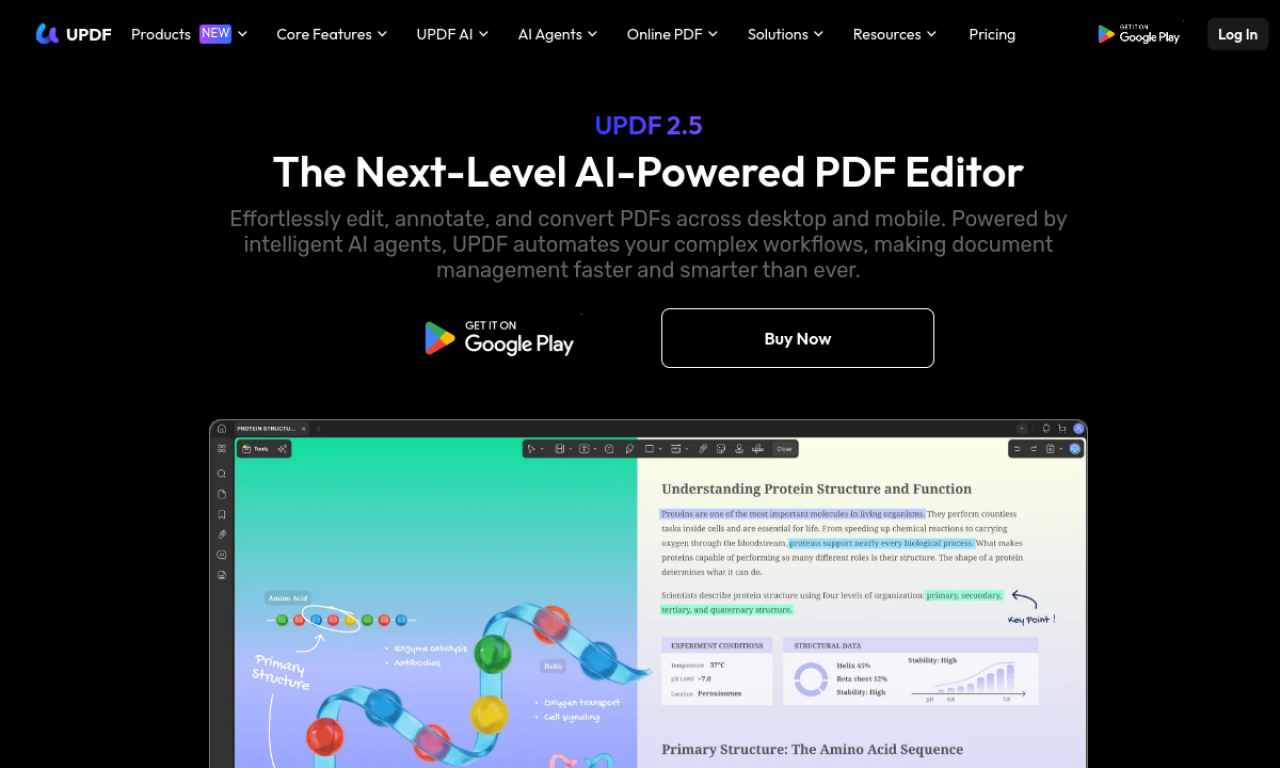
Introduction
AI-powered PDF editor for Windows, Mac, iOS, and Android with comprehensive PDF tools.
- Added on
- Nov 1, 2026
- Website
- updf.com
- Pricing model
- Freemium
- Company
- Superace Software Technology
Product information
What is UPDF?
UPDF is a PDF editor available on Windows, Mac, iOS and Android with an AI assistant built in. It combines reading, annotating, editing, converting and organizing PDFs in one application.
How to use UPDF?
Download the app for your platform and open a PDF. Use the toolbar to edit, annotate or convert, and open the AI panel to summarize or ask questions.
Core features of UPDF
- Cross-platform PDF editor
- Annotation and markup
- PDF conversion and OCR tools
- AI summarize and chat
- Page organization
Use cases of UPDF
- 1Editing text in existing PDFs
- 2Annotating study materials
- 3Converting PDFs to Word
- 4Summarizing long documents
Frequently asked questions about UPDF
What does UPDF do?+
UPDF is a PDF editor available on Windows, Mac, iOS and Android with an AI assistant built in.
Who is UPDF best suited for?+
It is best suited for students, professionals, and teams that work with PDFs across devices.
Is UPDF free to use?+
A free version is available with limitations, and paid plans unlock full features. Check the official site for current pricing.
Which category is UPDF in?+
UPDF is listed under Productivity, AI PDF Tools.
Tags
pdfproductivityUPDF alternatives
AI note-taking tool for students, converting various formats into study materials.
AI meeting assistant for automated notes, summaries, and business intelligence.
AI note taker, transcription, and meeting summary tool for Google Meet, Zoom, and MS Teams.
AI copilot for interview prep & professional meetings with real-time assistance.